Project Overview
Designers across ITV Digital often relied on older project files to reuse common sections such as news cards, galleries, web stories, and live feeds. To create a more scalable and consistent workflow, I built a centralized design system in Figma featuring 31 reusable components, 1,000 icons, and responsive building blocks that could be used across multiple media products.
Project Background
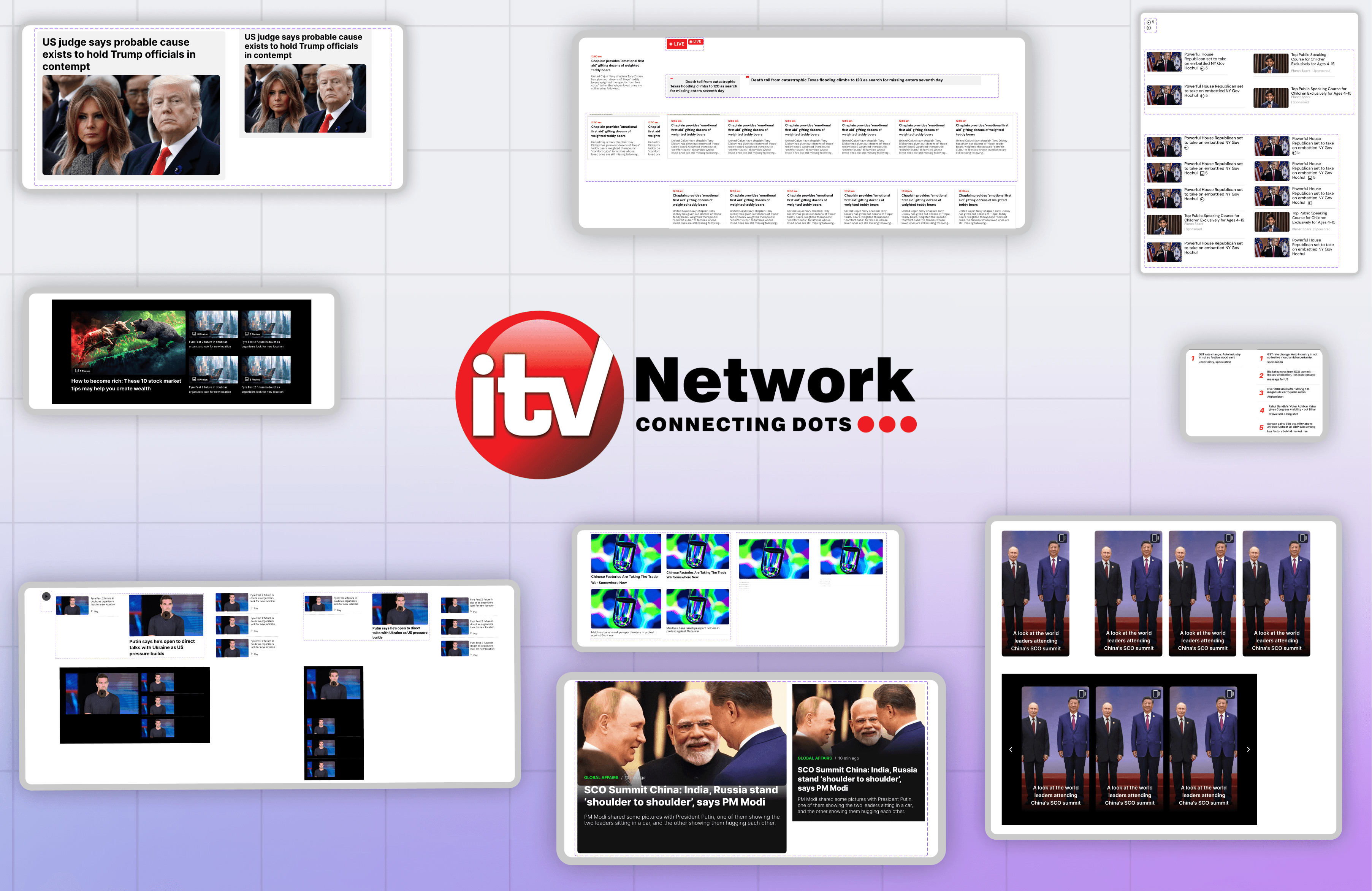
As ITV Digital expanded its portfolio of news and media platforms, many UI patterns began repeating across products. Elements such as news cards, web stories, live feeds, photo galleries, and video sections frequently appeared across websites including NewsX, India News, The Daily Guardian, and Sunday Guardian. Despite these similarities, there was no centralized system for managing them. Designers often searched through older project files to copy sections, and because many components weren't built responsively, they frequently needed to be modified or rebuilt. To address this, I was tasked with creating a scalable design system that could centralize recurring UI patterns and provide the team with reusable, responsive components directly through Figma's assets panel.

Repeated UI patterns appeared across multiple products.
Finding The Patterns
Before building anything, I spent time reviewing existing products across the company. I wasn't looking for visual inspiration. I was looking for repetition. Certain elements appeared almost everywhere: Hero news cards Story cards Video cards Photo galleries Live news feeds Beat specific sections Navigation patterns Rather than building components in isolation, I focused on the patterns that would deliver the most value if reused repeatedly. This helped me prioritize the pieces that designers used most often and laid the foundation for a system that could support future projects.
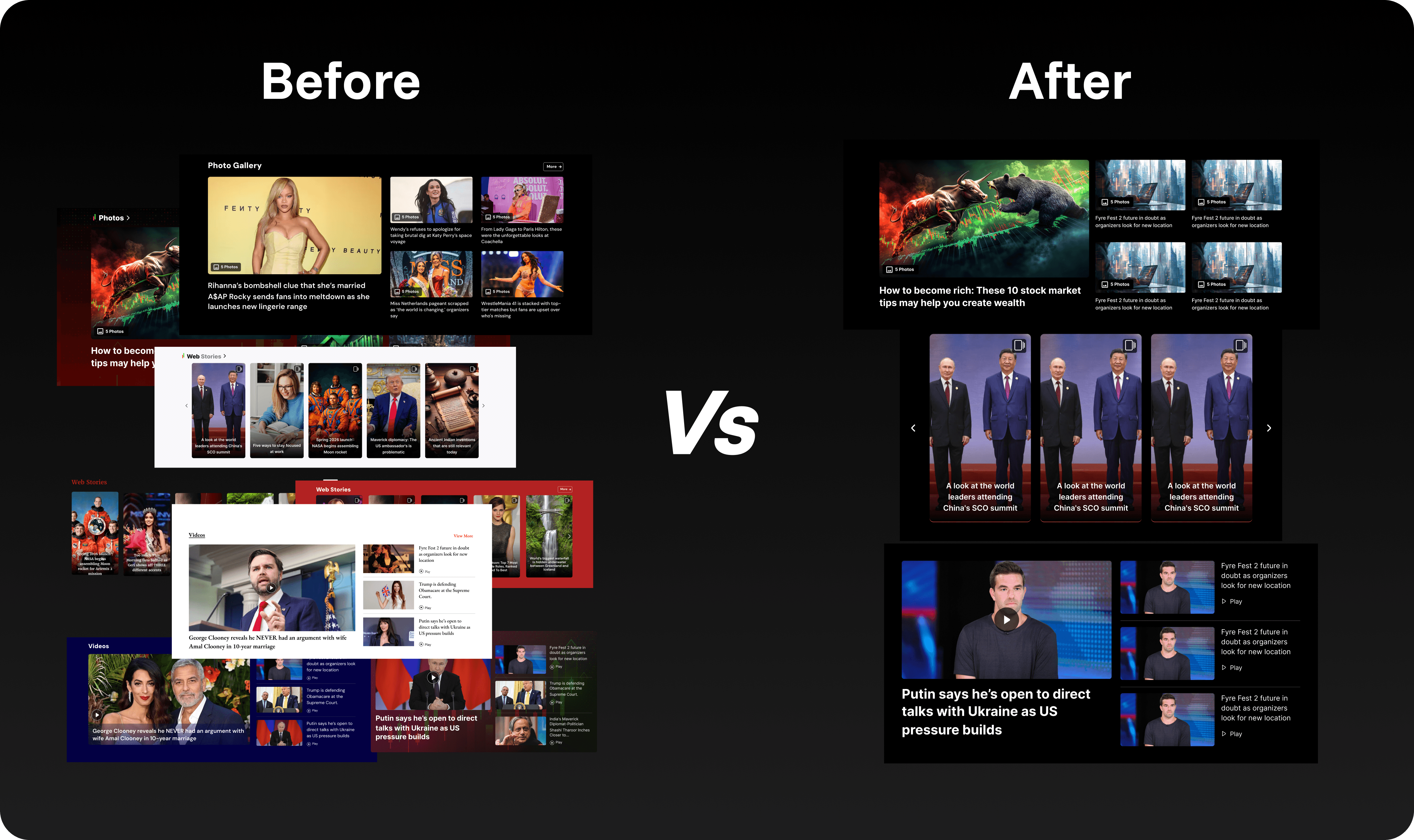
Moving from scattered assets to a reusable system.
Building From The Smallest Block
One of the biggest decisions I made was to avoid designing complete sections first. Instead, I started with the smallest building block. For example, when creating the Photo Gallery system, I didn't begin with the gallery layout. I started with a single photo component. Once that component was responsive and flexible enough, I used it to build larger gallery structures around it. This approach allowed content and layout to remain independent. A designer could reuse the same photo component across multiple gallery configurations without rebuilding the section itself. The same thinking was applied across the entire system.
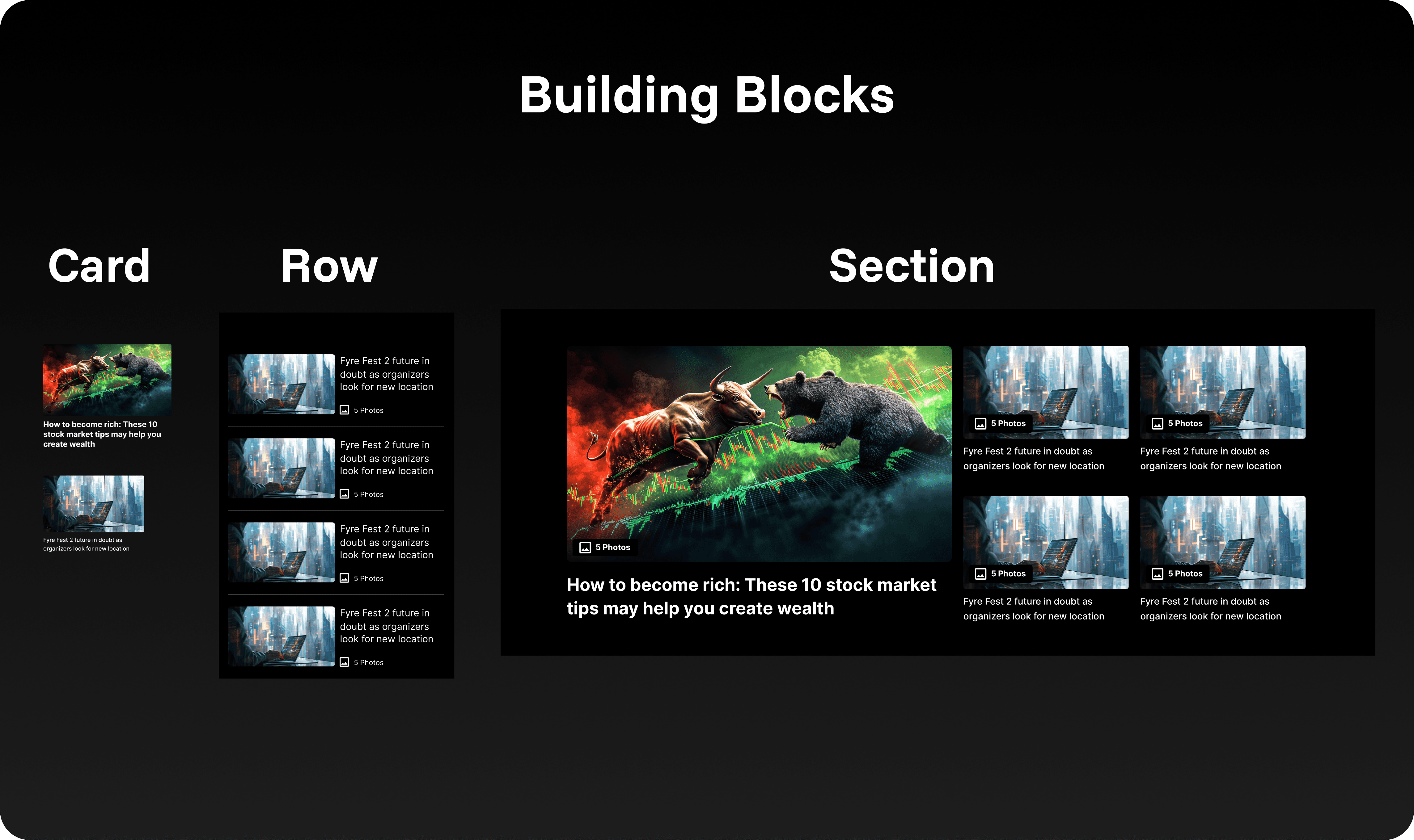
Starting with the smallest reusable building block.
Designing For Flexibility
The most challenging part of the project wasn't creating components. It was predicting how other designers might use them later. A card designed for one homepage could eventually appear in a different layout, on a different product, or at a different screen size. To handle this, every major component was built using Auto Layout, responsive constraints, and variants. I also created separate Web and Mobile Web instances to ensure components behaved correctly across devices. Rather than forcing designers to detach and edit components manually, I exposed the controls they were most likely to need. Elements like descriptions, metadata, icons, dividers, and supporting content could be toggled directly from the properties panel. The goal wasn't just reusability. It was adaptability.
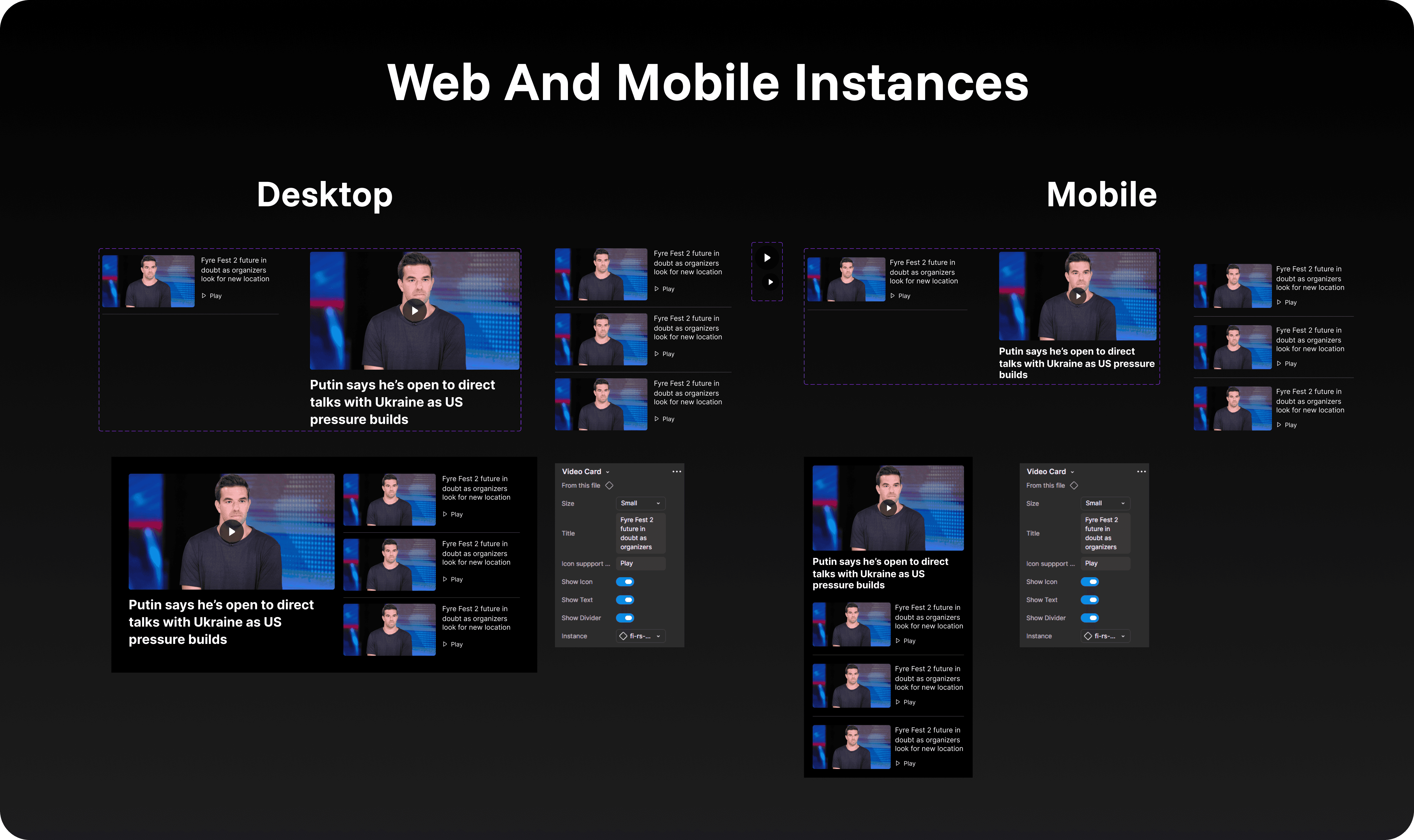
Exposing common controls through component properties.
Creating A Consistent Icon System
While working on Money Post, I noticed another issue. Whenever designers couldn't find the icon they needed, they would often use a plugin or pull icons from a different library. Over time, this created inconsistencies across projects. To solve this, I built a centralized icon library containing: 501 Regular Icons 499 Solid Icons All icons were organized as component instances, allowing designers to search and swap icons directly inside Figma. Instead of importing new assets every time an icon changed, designers could simply replace instances while maintaining consistency across projects.
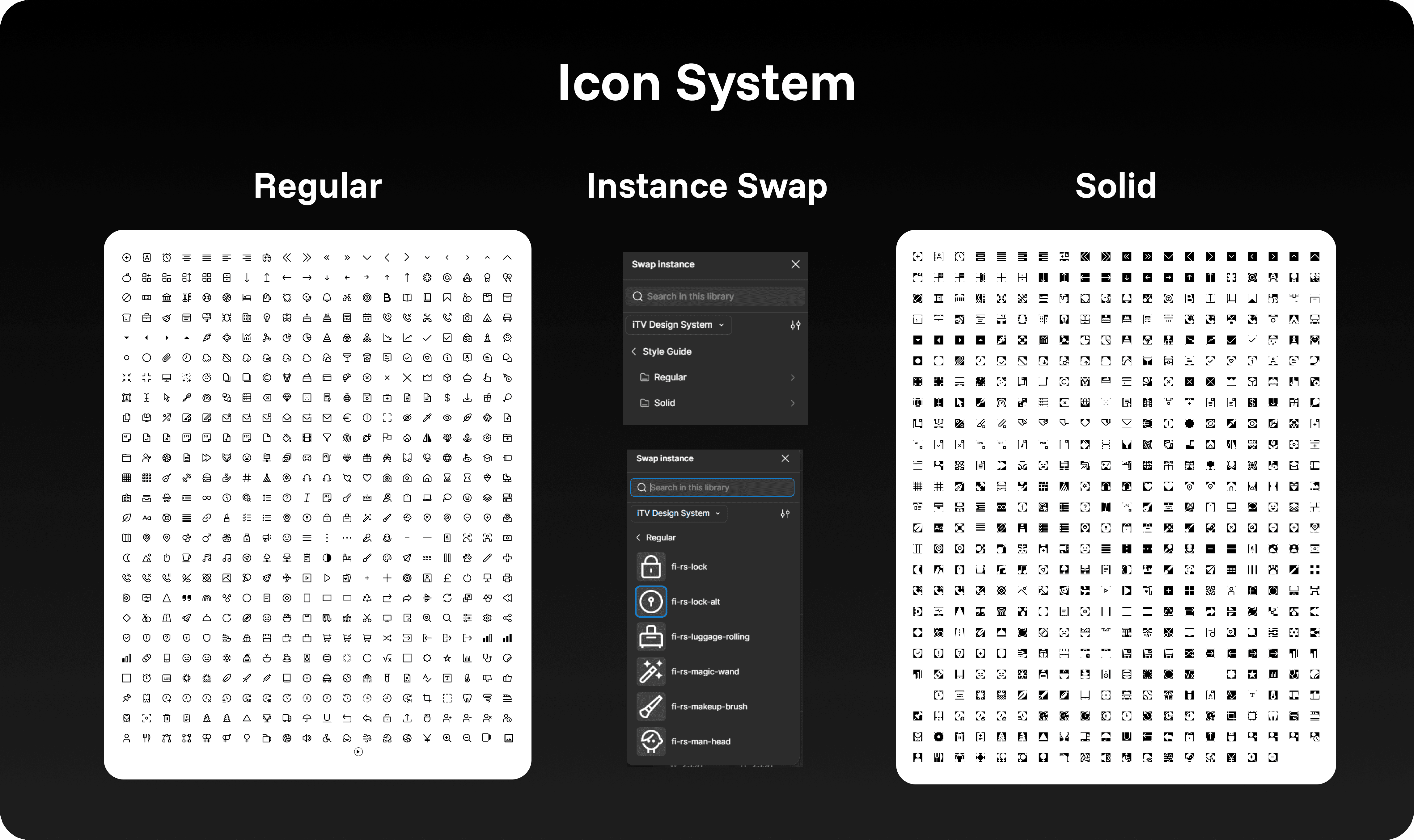
Centralizing 1,000 icons into a searchable library.
The Outcome
The project took roughly two weeks to complete and became one of the most rewarding experiences of my internship. The system included: 31 Reusable Components 1,000 Icons Responsive Web and Mobile Variants Configurable Component Properties More importantly, it became a practical tool for the design team. The project received positive feedback from my manager and senior designers, and I remember my manager discussing the system with the CEO while I was in the room. It was a small moment, but it gave me confidence that the work was making an impact beyond my immediate responsibilities. Looking back, this project changed how I thought about design. Instead of focusing on individual screens, I started thinking about systems, scalability, and how other designers would use the things I created. That mindset has influenced every project I've worked on since.

Increasing Access To Preventive Healthcare
Designing a bilingual platform for a nationwide breast cancer screening initiative.

Centralizing Content For Cricket Fans
Designing an IPL content hub for NewsX across web and mobile.
Simplifying Complex Ad-Tech Products
Designing a unified enterprise experience across seven publisher solutions.